
English
How to Create a Support Request
Instructions for creating a support ticket with Senko Digital technical support.
If you have questions or problems, you can always contact Senko Digital support. Follow these simple steps.
Log in to your account
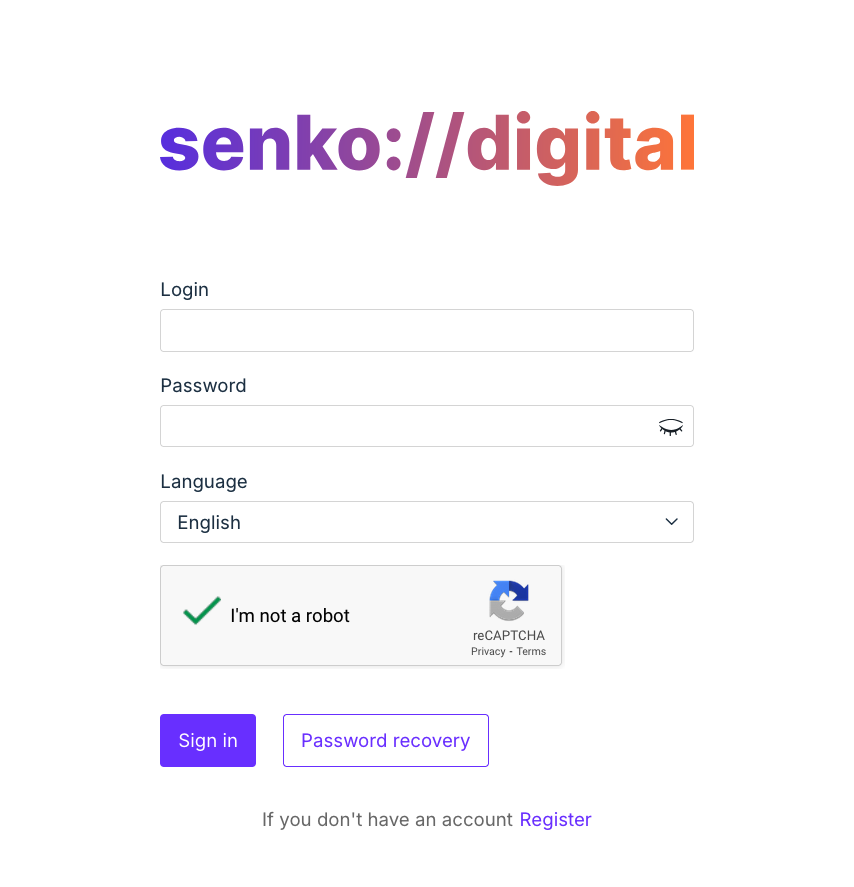
Go to your personal account and log in to the system. If you don't have an account yet, create one.
Open the support section
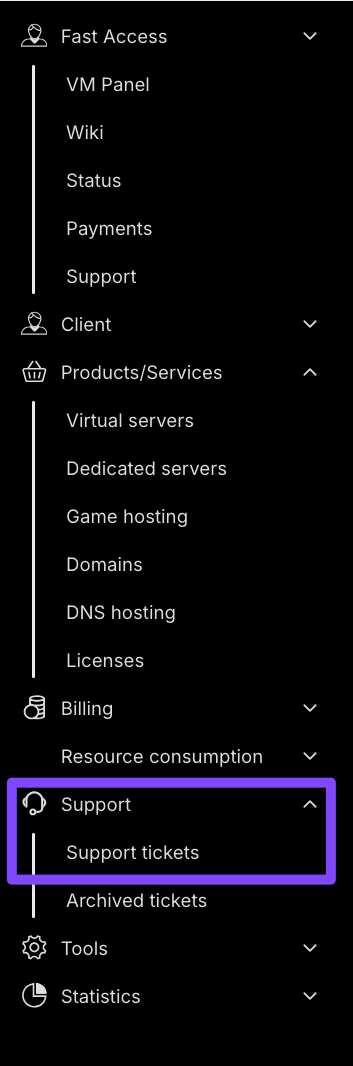
In the side menu, find the Support section and go to Support tickets.
Create a new ticket
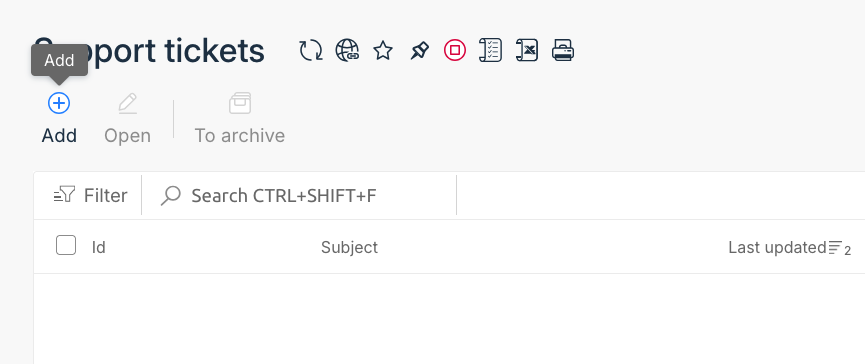
You will see a list of your tickets. To create a new ticket, click the Add button.
Describe the problem
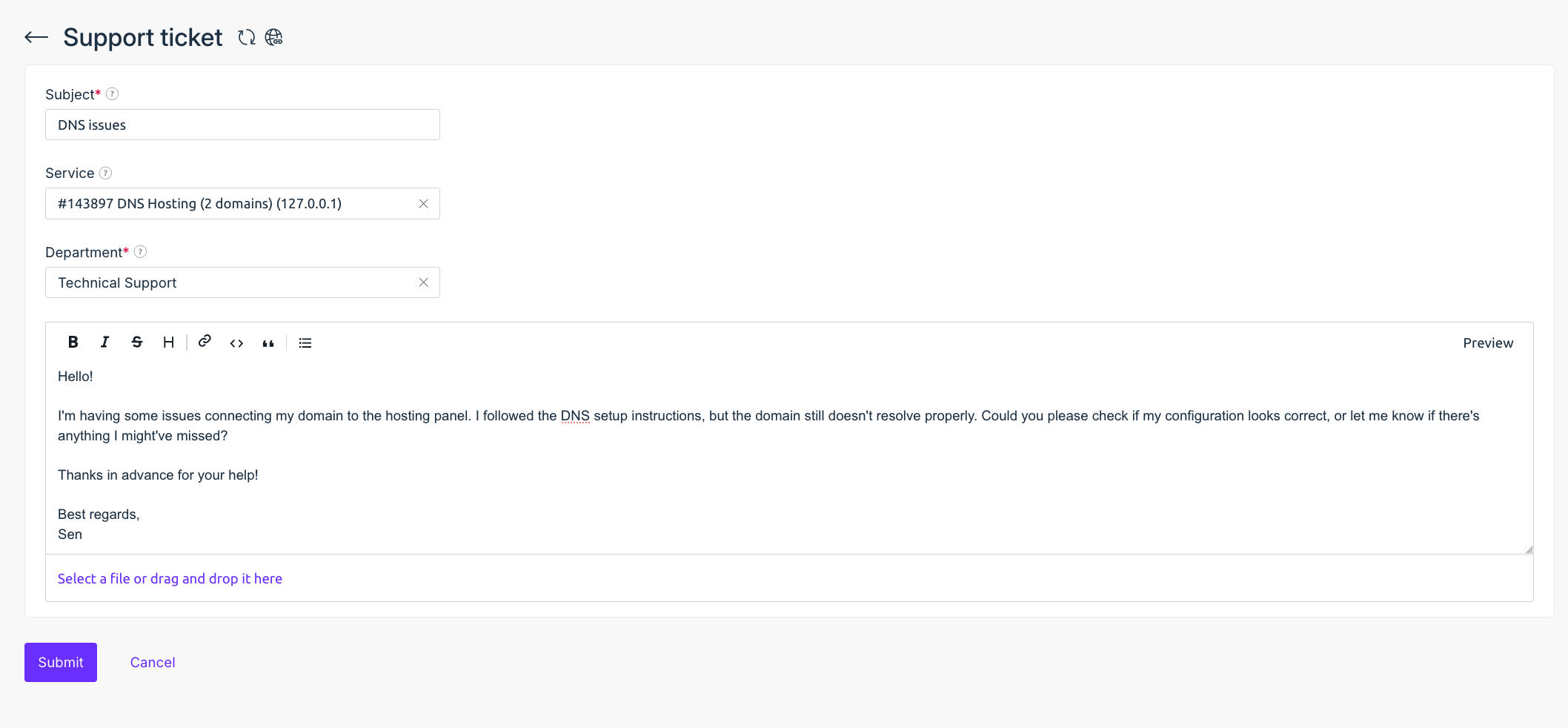
Specify the subject of your request, describe the situation in detail, and attach necessary files if needed.
TIP
The ticketing system supports text formatting using Markdown.
After filling in all fields, send the request.
Our specialists will review your ticket and respond as soon as possible.