
English
 Installing Custom Server Software
Installing Custom Server SoftwareA quick guide on how to install custom Minecraft server software.
First, decide which server software you'd like to install. Popular choices include PaperMC, CraftBukkit, Mohist, and Fabric. This guide will use PaperMC as an example.
Downloading the Software
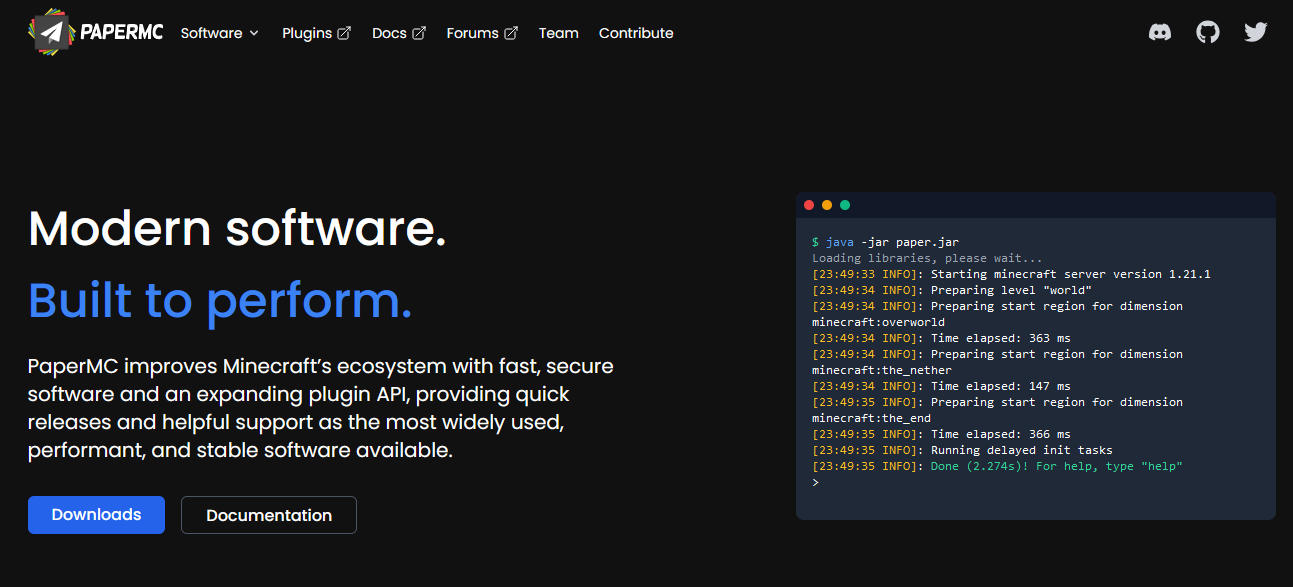
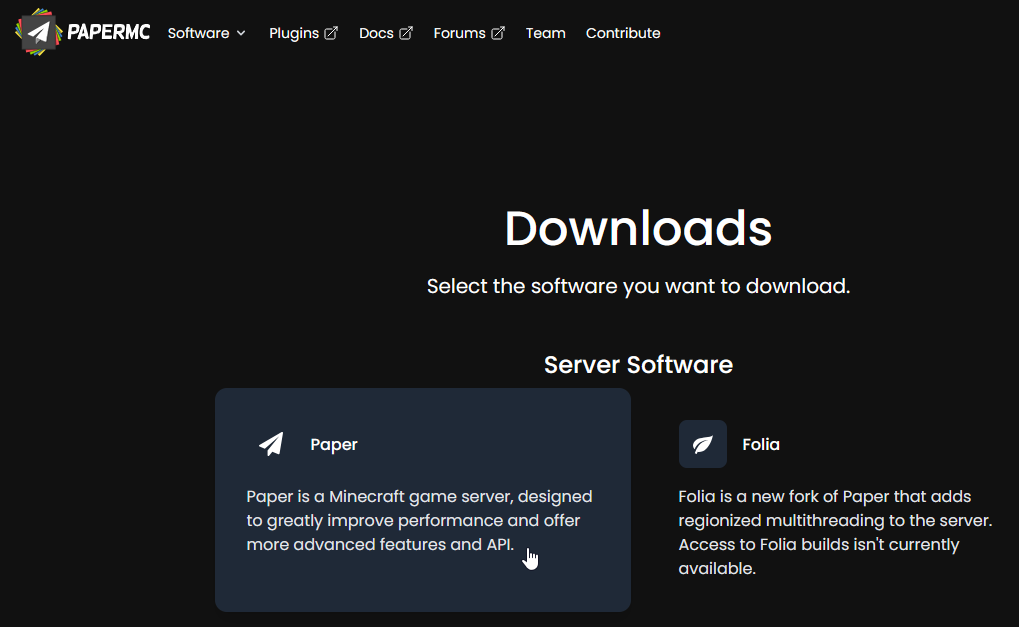
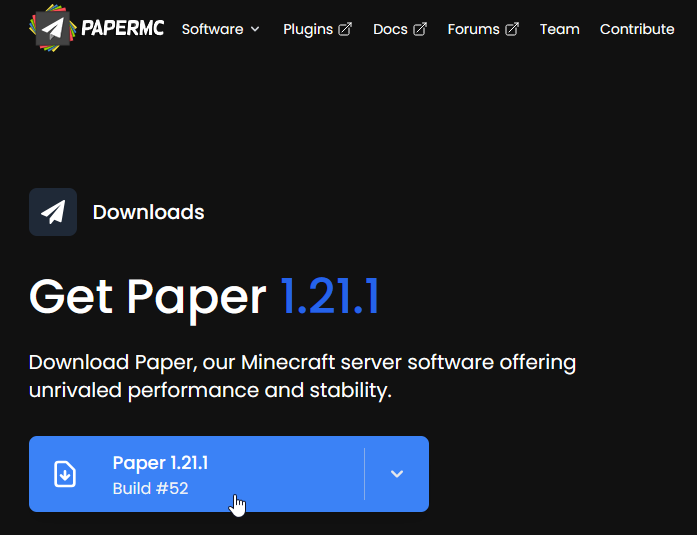
Visit the PaperMC website. Click on the "Downloads" button, then select "Paper" and your desired version (for example, "Paper 1.21.1" — the version number may be higher if new releases are available).
Uploading the Software to the Server
In your server control panel, navigate to the "Files" section. Use the "Upload" button or drag and drop your server software file into your browser window. Afterwards, delete the old server.jar file (if it exists) and rename your new PaperMC jar to server.jar.
TIP
You can specify a different file to run by editing the "Server Jar File" option in the "Startup parameters" section.
Checking if the Server Works
Once you've uploaded and renamed the file, start your server to check that everything is working properly.
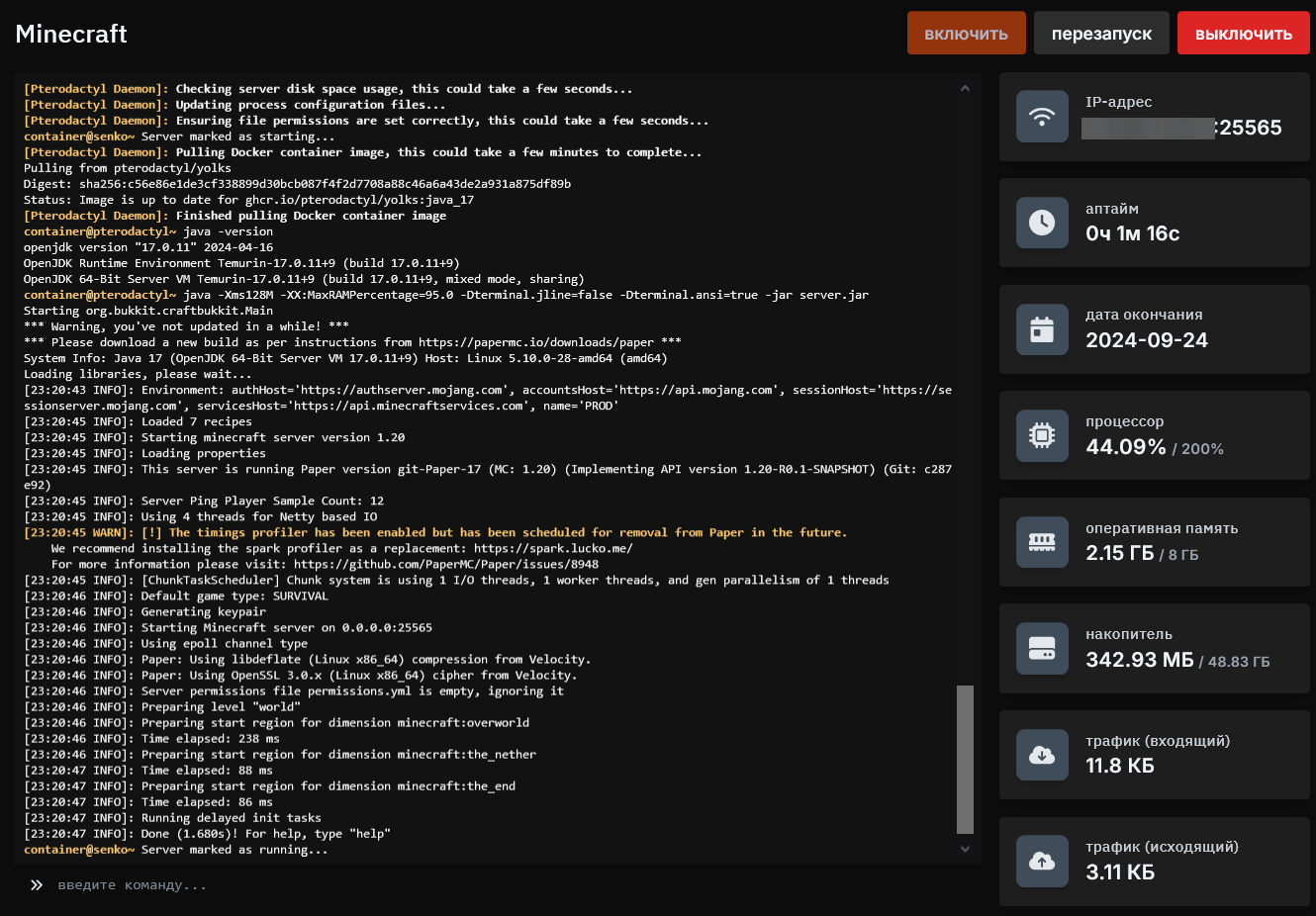
That's it — you've installed custom server software for your Minecraft server.