
English
Console
Quick guide to using the server console in the game control panel.
Page Description
When you enter the server control console, the first thing you'll see is:
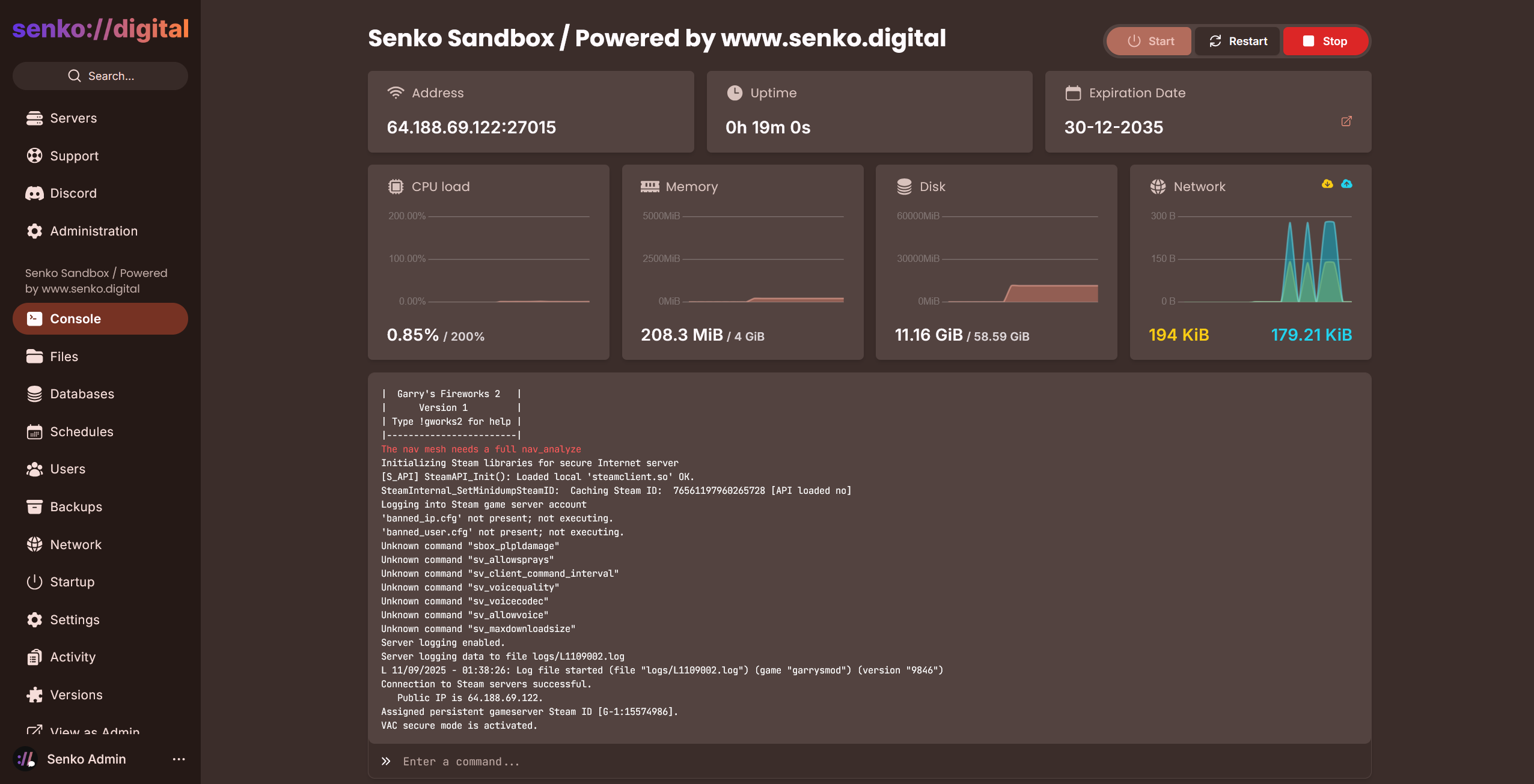
This is the main page inside your server management.
It displays various information about your server, such as IP address and port; CPU, RAM, and network load; total received/sent traffic; and the server console window itself.
Sending Commands
Sending a command to the server is a very simple process. Just left-click on the input field, enter the desired command, and press the [Enter] key.